In short:
- The AI Literacy Periodic Table is free and new: 142 AI terms, each explained in plain English, in seven families from the foundations to governance.
- Every term shows the issues it raises in real life, such as consent, over-reliance or plagiarism, with questions to talk about in class.
- Use it to prepare for the National AI Conversation, revise after the AI Risk Readiness Benchmark, build a display board, put a definition on the classroom screen, and suggest the words we have missed.
Teachers keep telling us the same thing: the words come faster than anyone can learn them. Agentic AI, RAG, vibe coding, AI slop. Students hear them on social media before they hear them in school, and staff are expected to know what they mean. So we built a table you can learn from, teach from and put on the wall. Its aim is simple: know the word, question it, and decide where a human must stay in the loop.
What is on the table
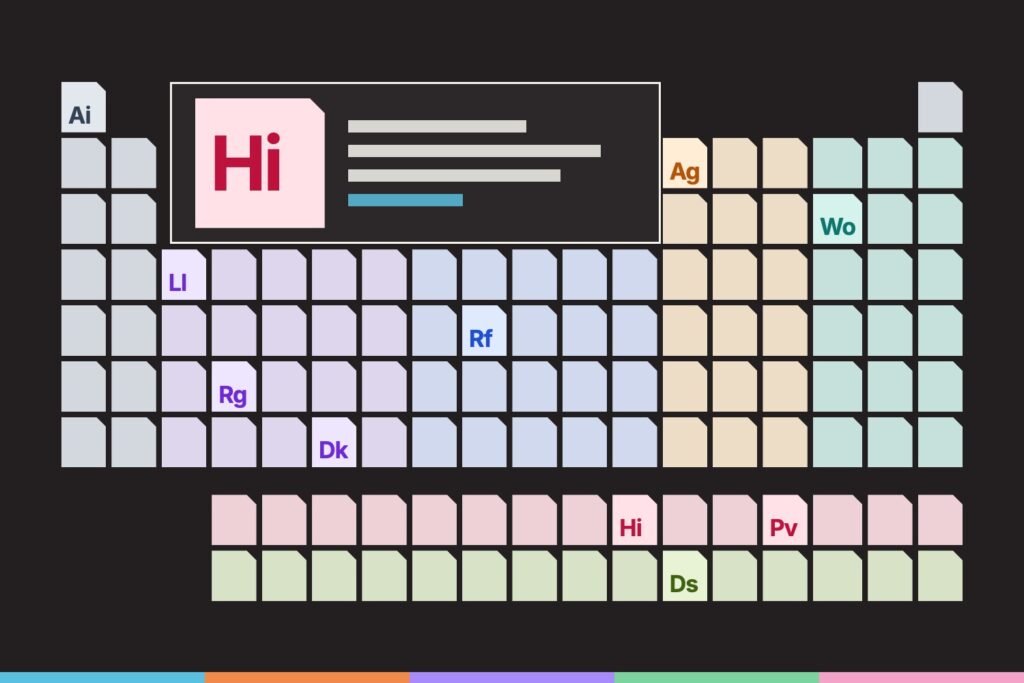
The table has 142 elements in seven families: Foundations, Generative AI, Predictive and Analytical AI, Autonomous AI Agents, Automation and Workflow AI, Governance and Ethics, and Infrastructure and Operations. Each element has a symbol, like a chemical element: Ll for Large Language Model, Dk for Deepfake, Hi for Human-in-the-Loop.
Choose any element and the panel at the top of the table tells you:
- What it means, in a sentence or two.
- The issues it raises. The technical term is the cause; the issues are what people actually meet when they use the technology. Deepfake, for example, raises consent, image-based abuse, disinformation, and knowing who to report it to.
- Talk about it: a question for the class. Every one of the 142 elements has one.
- Connections: press the button and the related elements light up on the table, so students see how the ideas fit together.
- Learn more: on many elements, links to AI Awareness Day lessons, articles and tools, and to resources from our partners.
Above the table, View by has three buttons. Technical terms colours the table by family. AIAD terms colours it by the five AI Awareness Day themes: Safe, Smart, Creative, Responsible and Future. The tiles stay where they are, so you can see how each theme runs right through the technology: Safe is not only about governance, it is in agents, generative AI and the tools on your phone.
A third view, Year, colours the table by when each word came into use. Press Play and watch the words arrive, from Regression in 1886 to Vibe Coding in 2025. Every element also says when it came into use, and some, like Bias and Privacy, are much older words that took on a new meaning.
At the top of the page, the word of the week changes every Monday, with its question for the class. It is coloured by its family and its theme, ready to show on the board with one press, and it appears on our homepage too.
1. Prepare for the National AI Conversation
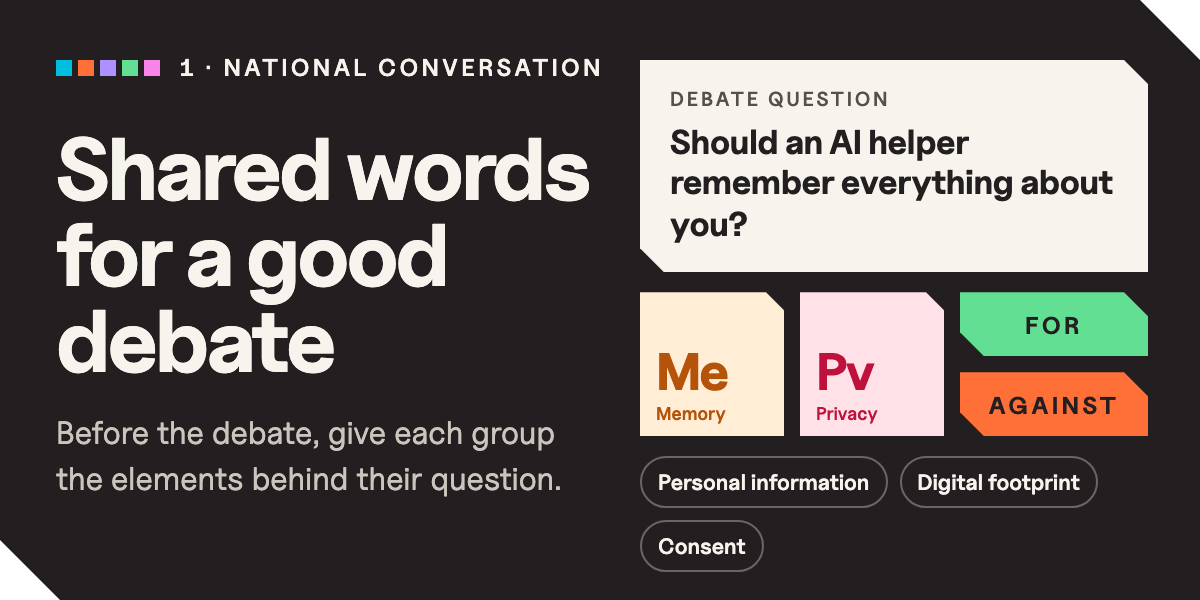
The National AI Conversation asks young people to question, discuss and debate the role AI should play in their lives, through the same five themes. A good debate needs shared words. Before a debate, give each group the elements behind their question.
Example: for a debate about whether an AI helper should remember everything about you, open Memory (Me) and Privacy (Pv). Read the definitions together, then look at the issues they raise: personal information, digital footprint and consent. Each one is an argument waiting to be made, for or against.
The AIAD terms view helps here too. Choose the theme your debate belongs to, and every element in it stands out.
2. Revise after the AI Risk Readiness Benchmark
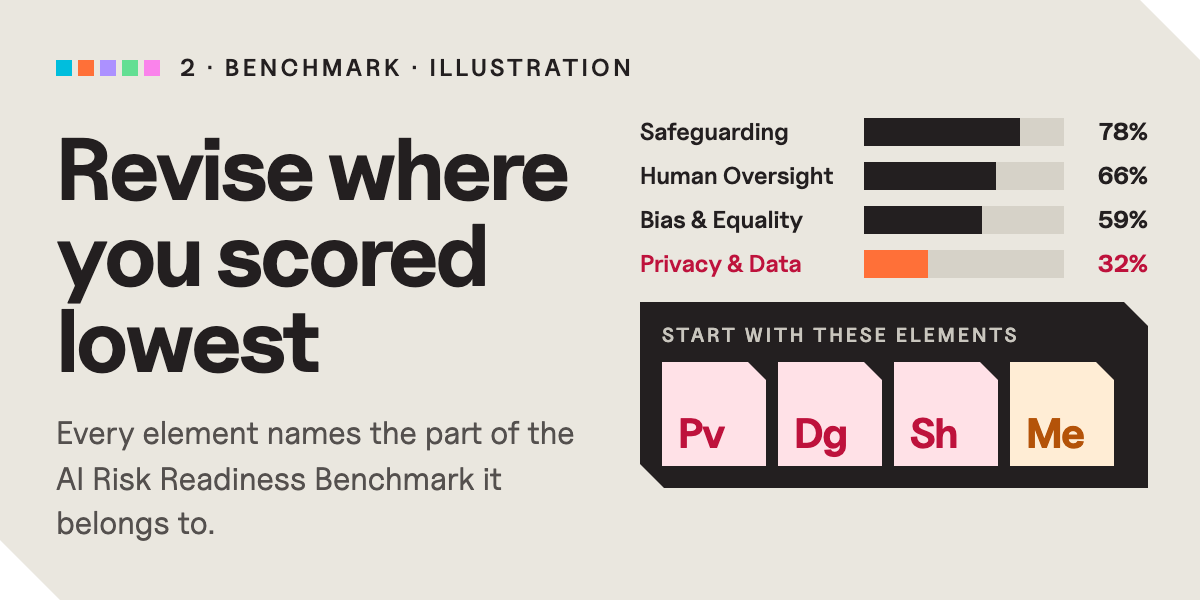
The AI Risk Readiness Benchmark shows you, your class or your school where you are strong and where you could do better, across areas such as privacy, safeguarding and human oversight. Every element on the table names the part of the benchmark it relates to, so the table becomes a revision guide for the areas that scored lowest.
| If your benchmark score was low on… | Start with these elements |
|---|---|
| Privacy & Data Protection | Privacy, Data Governance, Shadow AI, Memory |
| Safeguarding | Report and Tell, Consent, Deepfake, Image-Based Abuse |
| Human Oversight | Human-in-the-Loop, Autonomy, AI Agent, Computer Use |
| Bias & Equality | Bias, Fairness, Explainability, Synthetic Data |
| Assessment Integrity | Hallucination, Copyright & IP, Vibe Coding, Coding Agent |
Search the table for the first word, read each definition, open its issues, and use the Talk about it questions with staff or students. Then take the benchmark again next term and see what has changed.
3. Build your display board
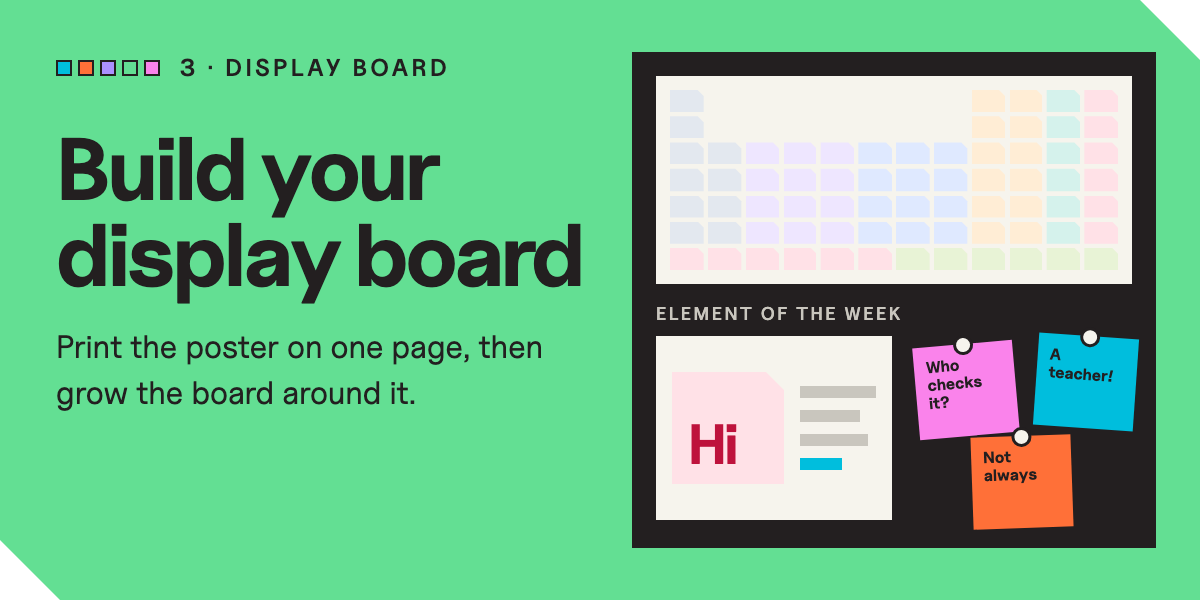
Press Print the poster, under the family filters just above the table. It prints on one landscape page, with a colour key, in whichever view is showing. It is best on A3 for a wall; on A4 it suits a desk or a handout. Many schools will want both: the Technical terms version to show what the technology is, and the AIAD terms version to show why it matters.
Around the poster, try:
- Word of the week: the one at the top of the page, or your own choice, with its definition and its question, and sticky notes for students’ answers.
- The issues strip: the issues that element raises, one card each.
- Compound of the week: a real AI system and the elements it is made from (more on compounds below).
- Our new elements: the terms your students think are missing.
Want cards instead of a poster? Choose a family or theme, or search for a word, and press Print these as cards. The elements showing print twelve to an A4 page, ready to cut out, each with its definition and its question. In black and white, each family has a letter, so nothing depends on colour.
Our display board blueprint shows a layout built around the five themes, and the display board help under the table answers the questions teachers ask most, from printing to safeguarding.
4. Put a definition on the classroom screen
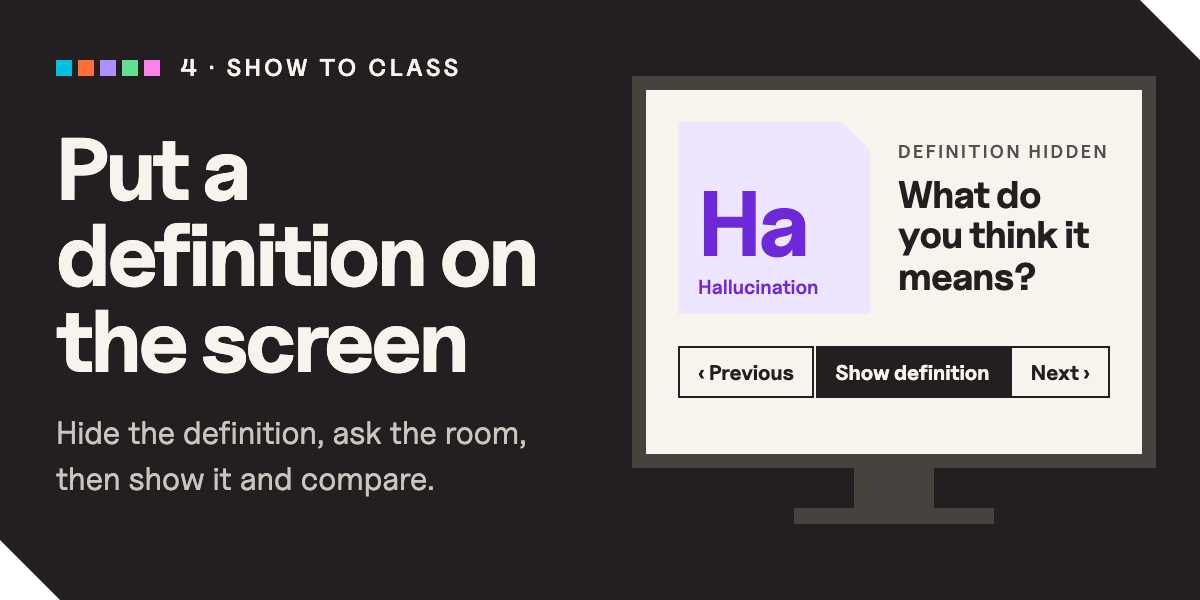
Choose an element and press Show to class. The element fills the screen: a big tile, its name, its definition and its question, easy to read from the back of the room. Use the arrow keys, or Previous and Next, to move through the table without leaving the board.
Try a guessing game. Each element opens on the board with its definition hidden, and the screen asks “What do you think it means?” Let the class discuss for a minute, take a few answers, then show the definition and compare. It works well as a lesson starter: one element, five minutes.
Then build compounds. Elements combine into the AI systems people use every day. A Grounded Assistant, the kind of school helpdesk chatbot that answers from the policy handbook, is a Large Language Model, plus Retrieval-Augmented Generation, plus a Vector Database. The table has 51 compounds, each with a real-life example, where a human stays in the loop, and a debate question. Each compound card has its own Show to class button too.
Some compounds are volatile: risky without a human in the loop. An AI Agent with Function Calling and full Autonomy is an Unchecked Agent. Swap Autonomy for Human-in-the-Loop and it becomes a Supervised Agent, which is stable. That one swap is a whole lesson about why humans stay in the loop.
Students can work the compounds out for themselves in the compound challenge, at primary, secondary or further education level. Every hidden compound gives a clue: how many elements it needs, one of them, and what it looks like in real life. The Primary level is guided for Key Stage 2: the table narrows to a few bright tiles straight away. Stuck students can press Find this one to narrow the table to a few tiles, or Give me a hint to light up the area of the table to look in.
5. Submit your own
AI vocabulary changes every month, and your students will hear new words before we do. Under the table, Suggest a new element asks for the term, what it means in plain English, a symbol and a family if you have one in mind, and why it should be added. The team reviews every suggestion, and the best ones join the table. If yours is added, we can credit you or your class on it.
Example lesson: ask groups to design element 143. What is the term? What symbol would they give it, and which family does it belong to? What issues does it raise? Each group presents its element, the class votes, and the winner goes to us. It is a good test of whether students understand the families, and of how the technology and its issues fit together.
Please don’t include anyone’s personal details in a suggestion. We check and edit every one before anything is published.
Ready-made sessions, and a ten-minute starter for tomorrow
Under the table, Ready-made sessions has four sessions with timings: a ten-minute starter, a 50-minute lesson for Key Stages 3 and 4, a 30-minute staff INSET, and ten AI words for parents and carers. Try it, just below the table, adds a ten-question Buzzword check that is different every time. Here is a starter you can run tomorrow:
- Open Hallucination (Ha) and press Show to class. The definition starts hidden. Ask: what do you think it means? (2 minutes)
- Pairs agree on a guess. Take three answers. (3 minutes)
- Show the definition. Whose guess was closest? (2 minutes)
- Read the Talk about it question together. (3 minutes)
Some elements and issues, such as Deepfake, Image-Based Abuse and AI Companion, can lead to conversations about safeguarding. Follow your school’s procedures, and make sure students know who to talk to.
It works from Key Stage 2 up, and every element has a Copy link to share. AI Awareness Day is on Thursday 29 April 2027. Put the poster up, run the 50-minute lesson, and turn a Talk about it question into a debate for the National AI Conversation.