
National AI Conversation 2027
Platform walkthrough
A tour of the platform schools will use from 1 January 2027, from signing up to the programme team’s dashboard.
Every screen shows made-up demo data: Willowbrook Primary School and the schools it debates.
Part 1
The public front door
What anyone sees, and how a school joins.
-
 View full screen
Screen 1
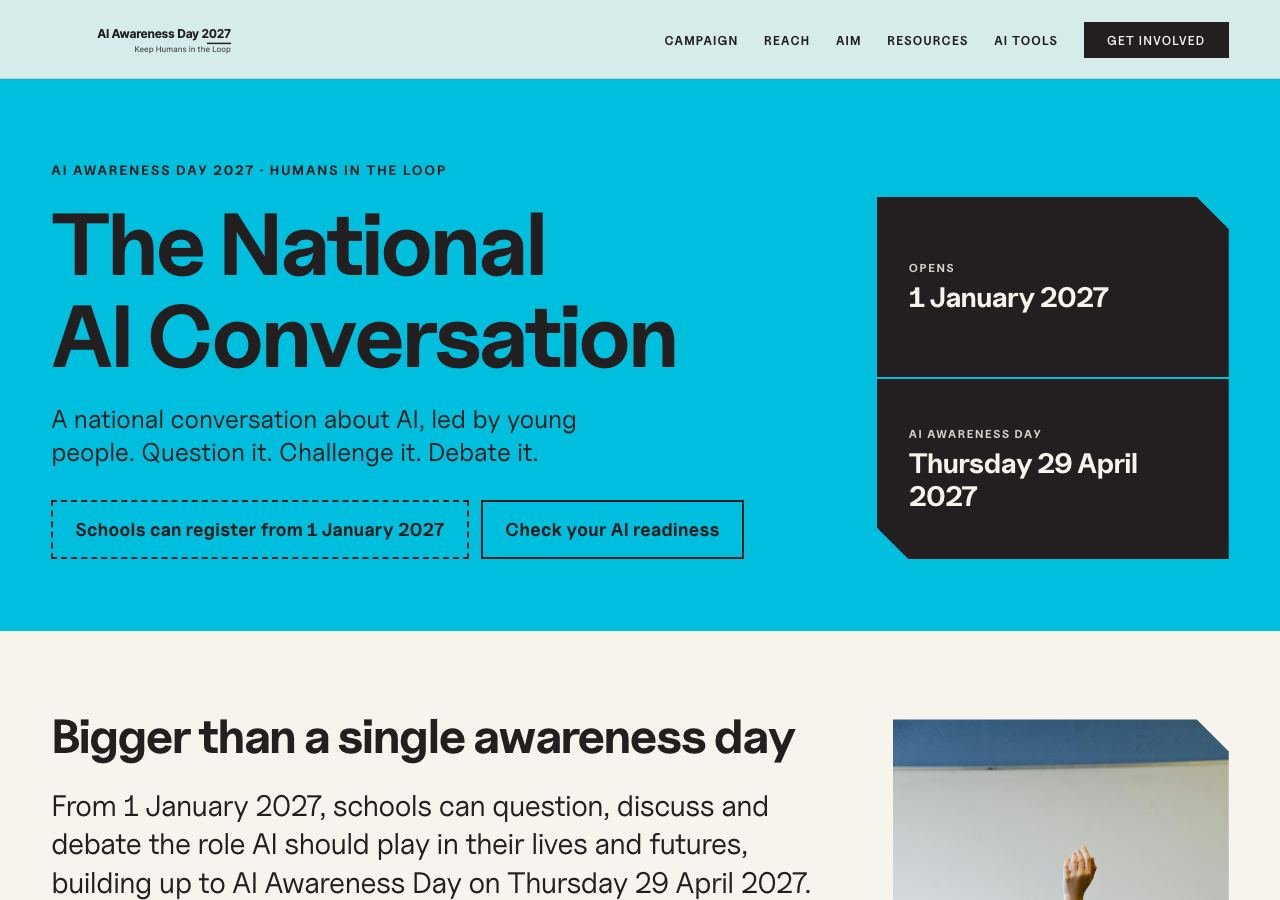
What is the National AI Conversation?
The landing page: the idea, the five themes, how each age debates, how a debate works, safeguarding and the timeline.
-
 View full screen
Screen 2
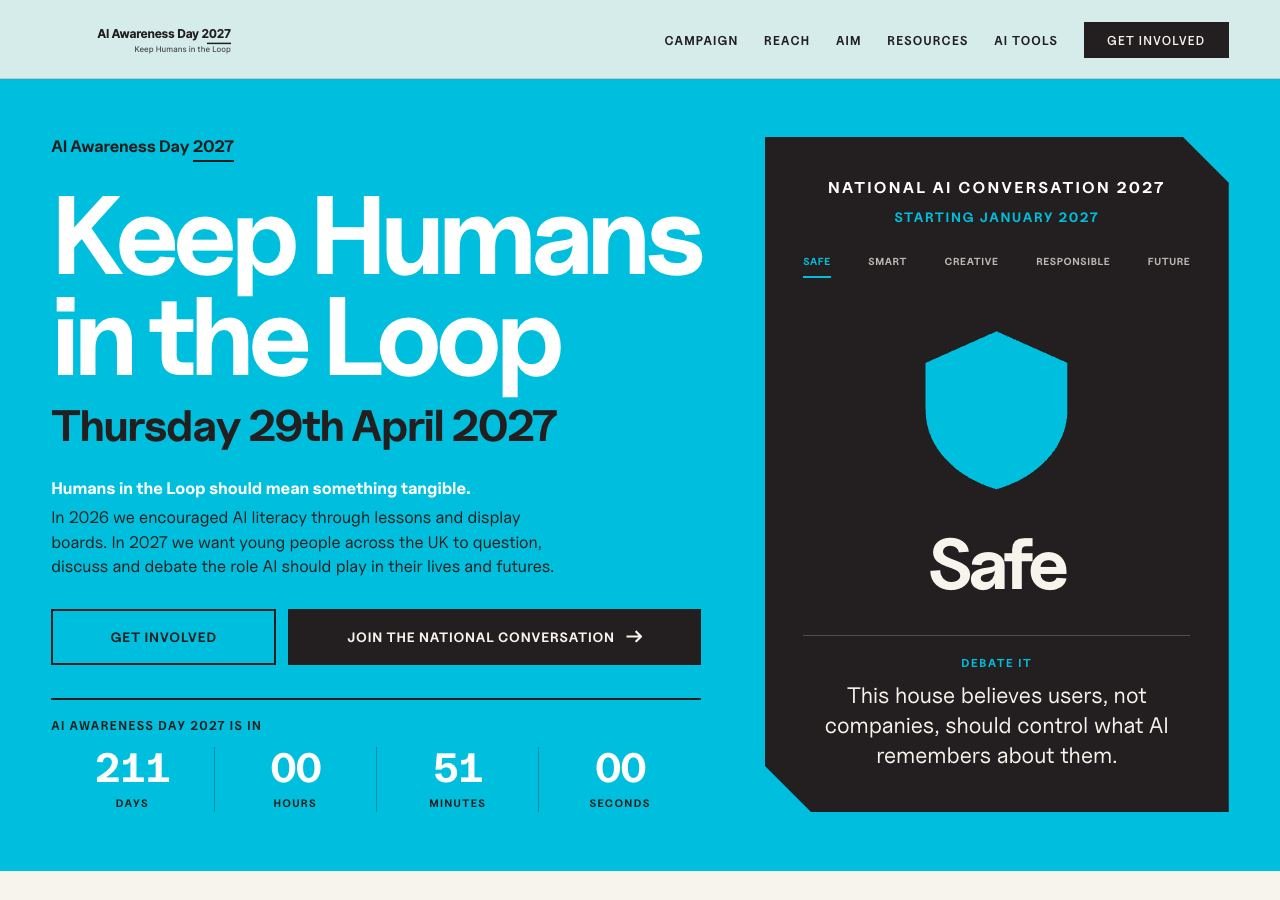
The homepage
The way in: one debate motion at a time in the strand box, and the countdown to AI Awareness Day.
-
 View full screen
Screen 3
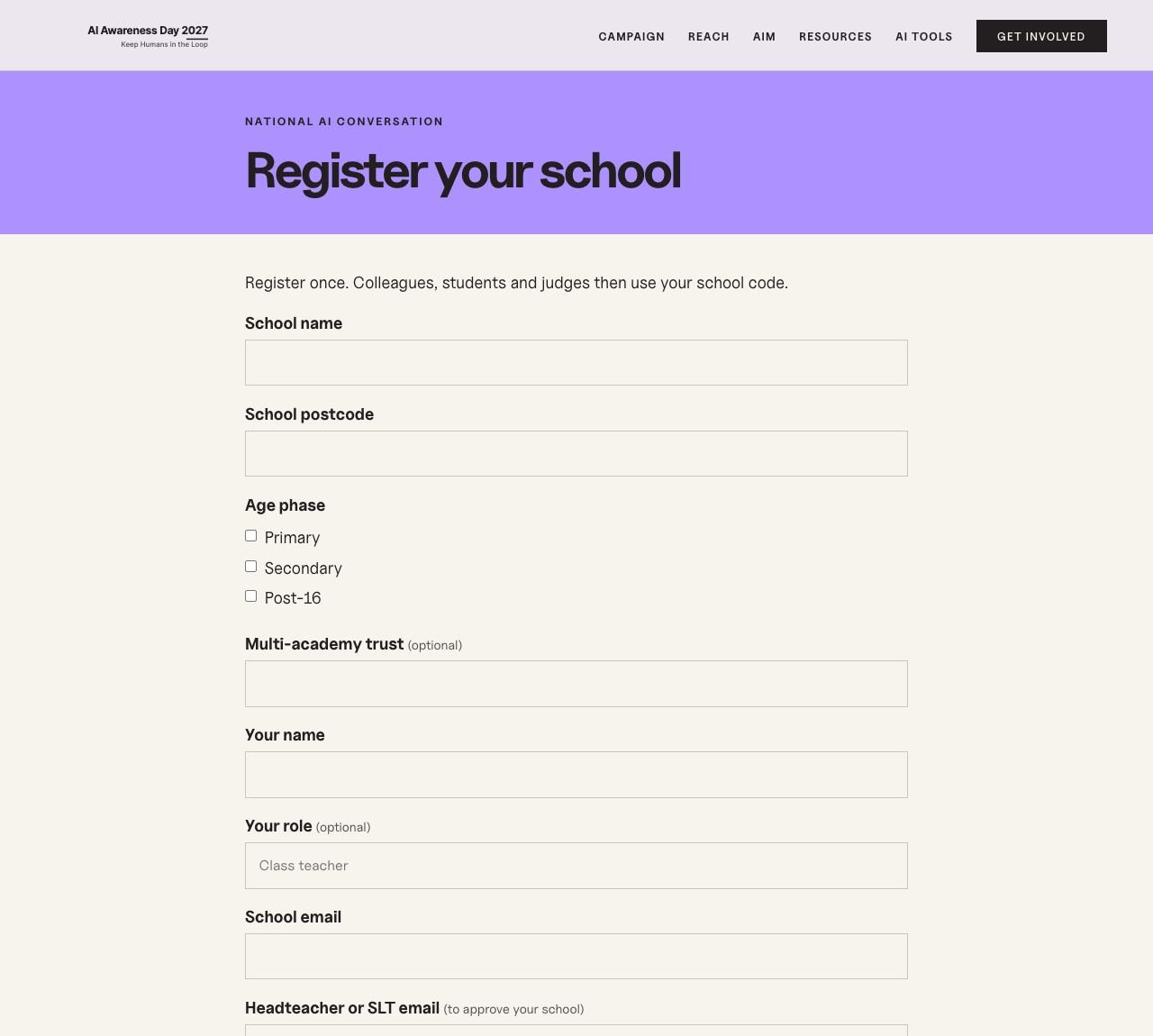
Register your school
One short form. It names the headteacher who must approve the school, and who introduced it. Nobody gets a password.
-
 View full screen
Screen 4
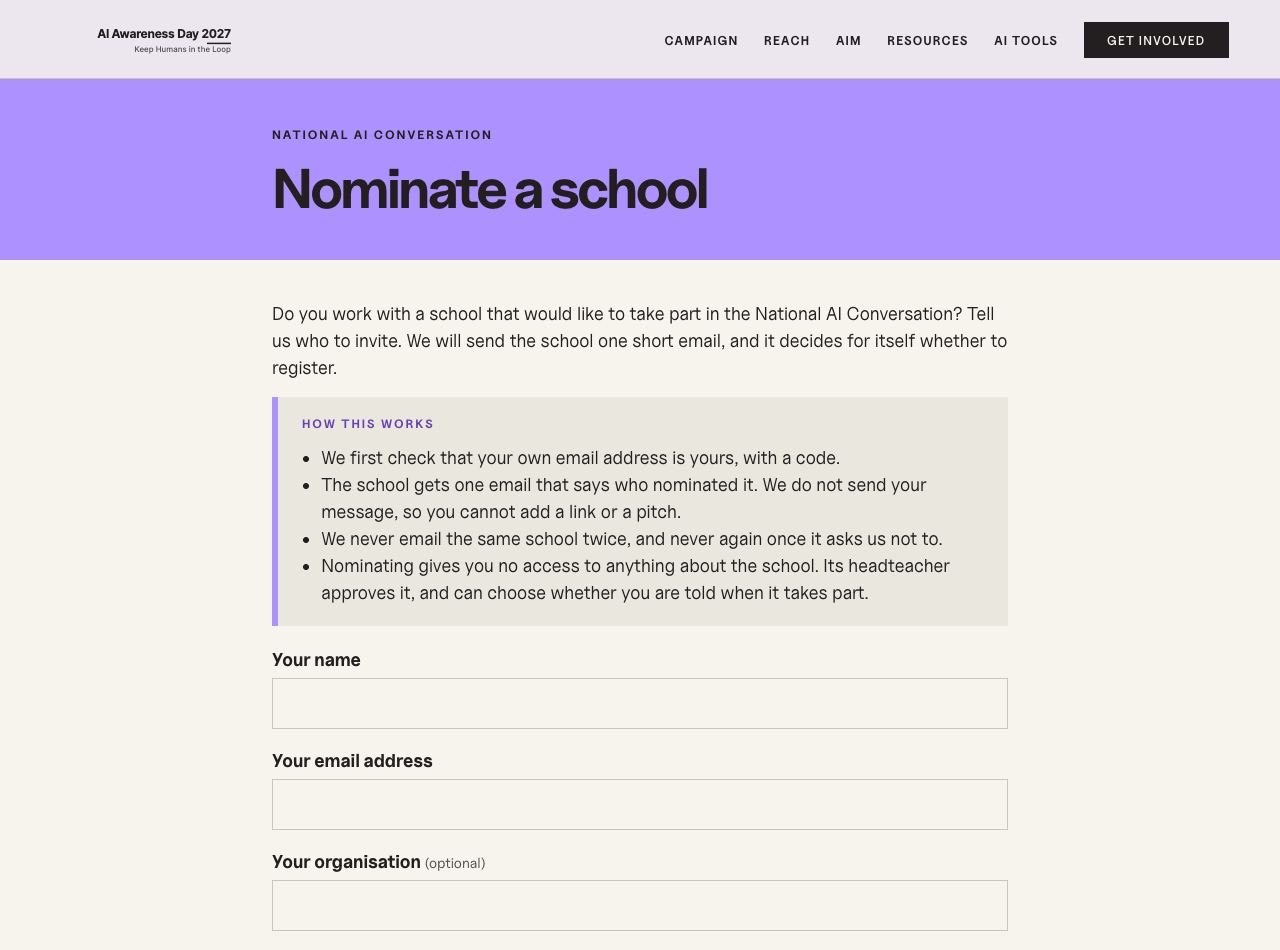
Nominate a school
Someone who works with a school can invite it. They prove their own email first, and the school is emailed once.
-
 View full screen
Screen 5
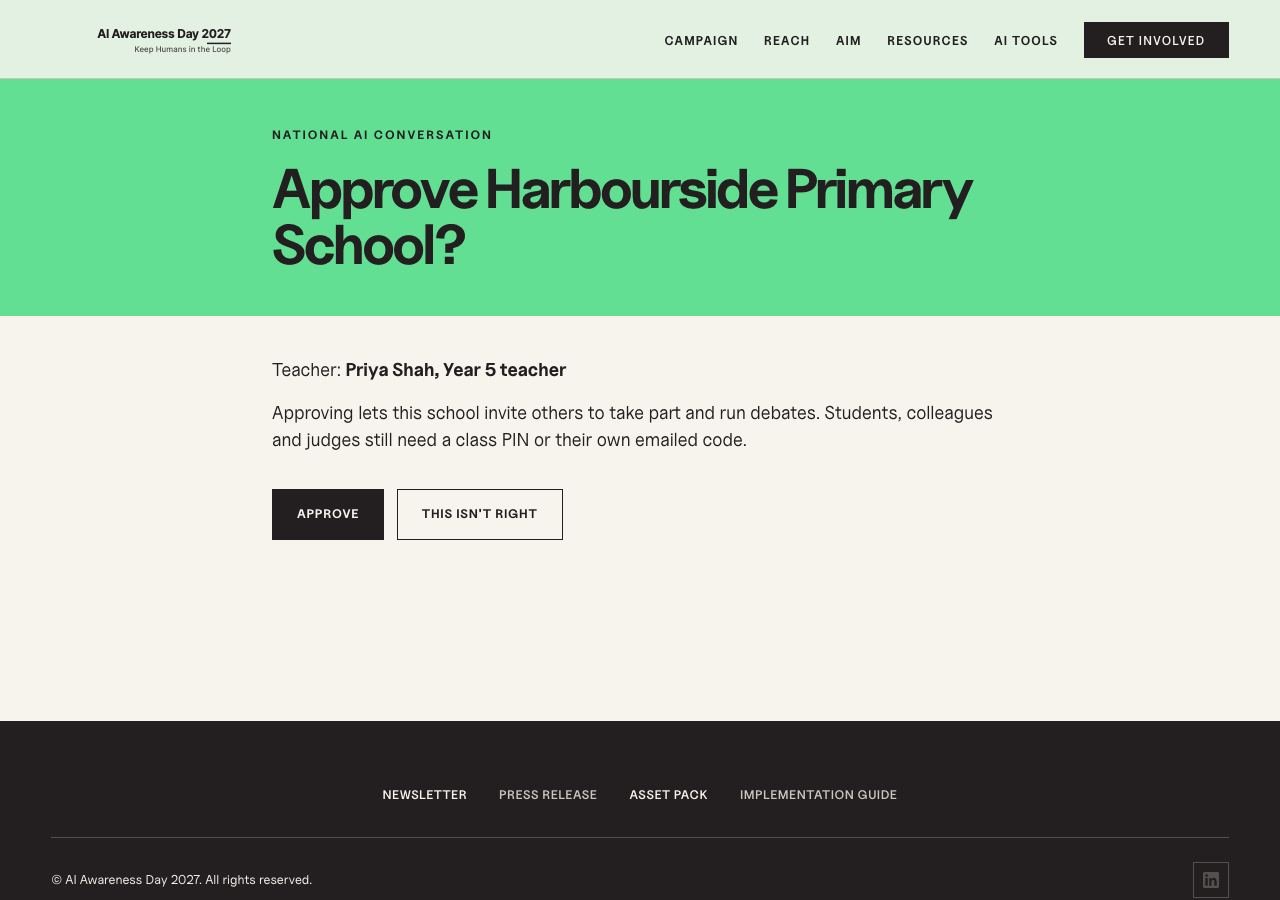
The headteacher approves
One click from one email. Nothing goes live for the school until this happens.
Part 2
A school’s day
Willowbrook Primary School, as its lead teacher sees it.
-
 View full screen
Screen 6
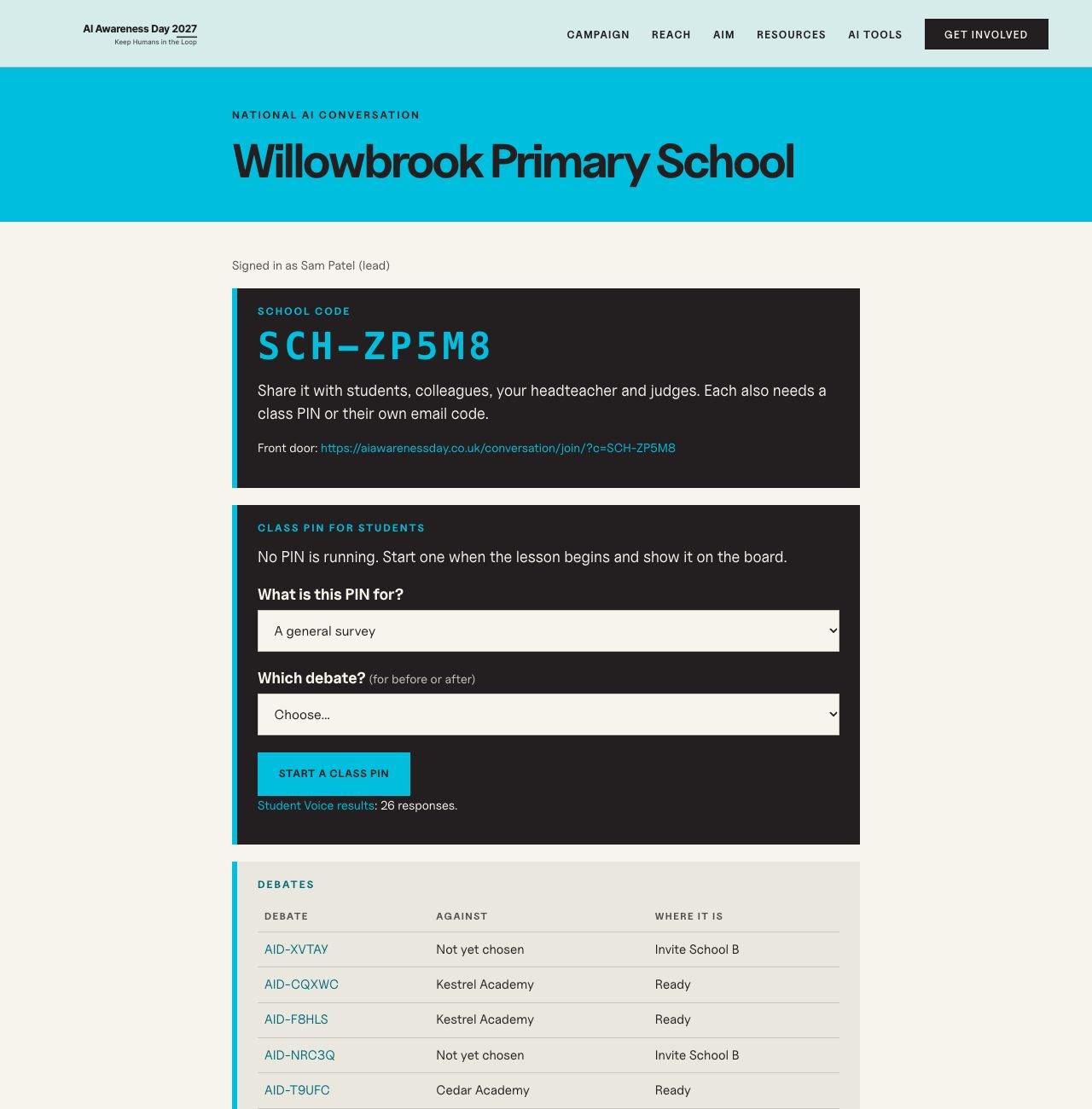
School dashboard
The school code, the class PIN, every debate and the team, in one place.
-
 View full screen
Screen 7
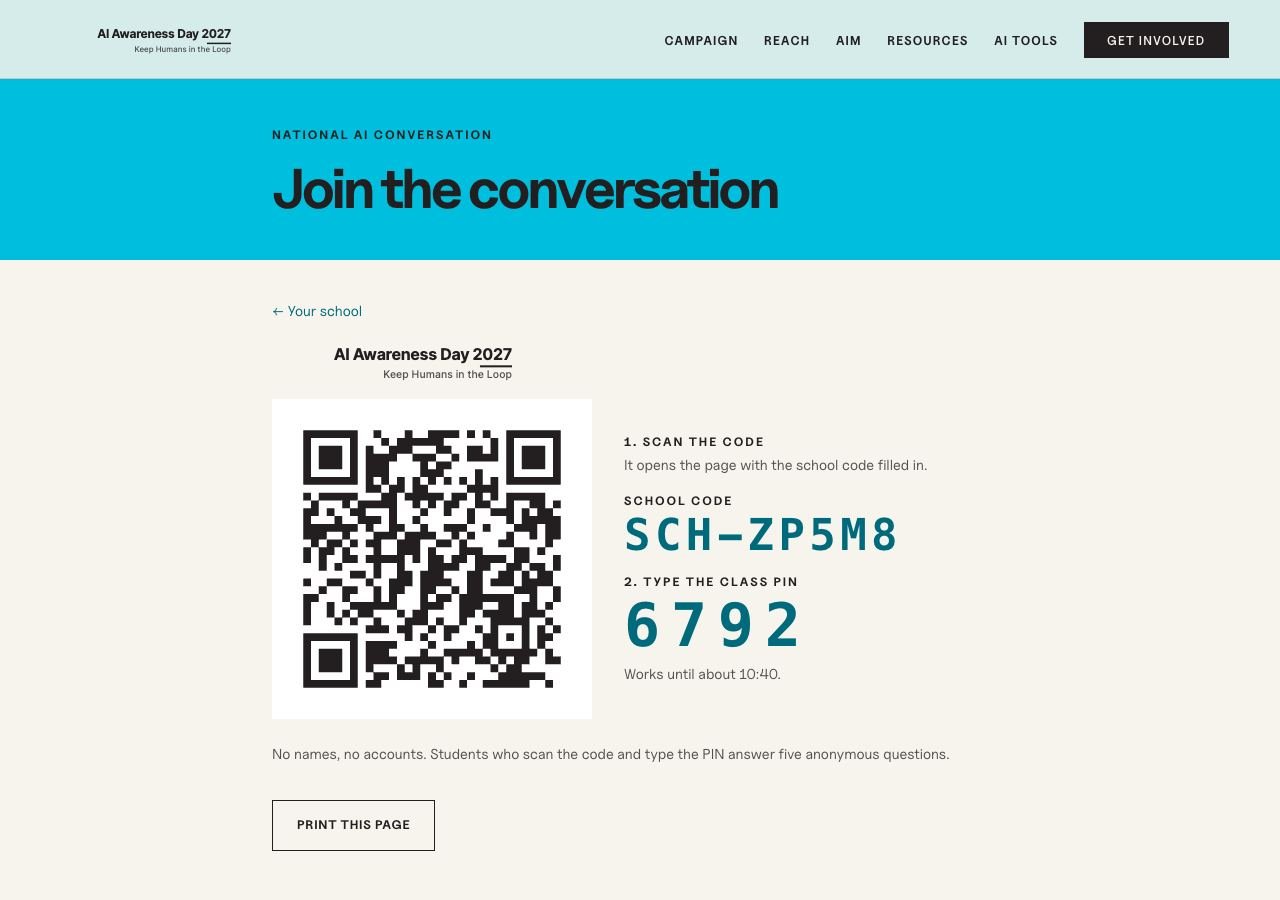
On the whiteboard
What the class sees: scan the code, type the PIN, and answer a few anonymous questions. No names, no accounts.
-
 View full screen
Screen 8
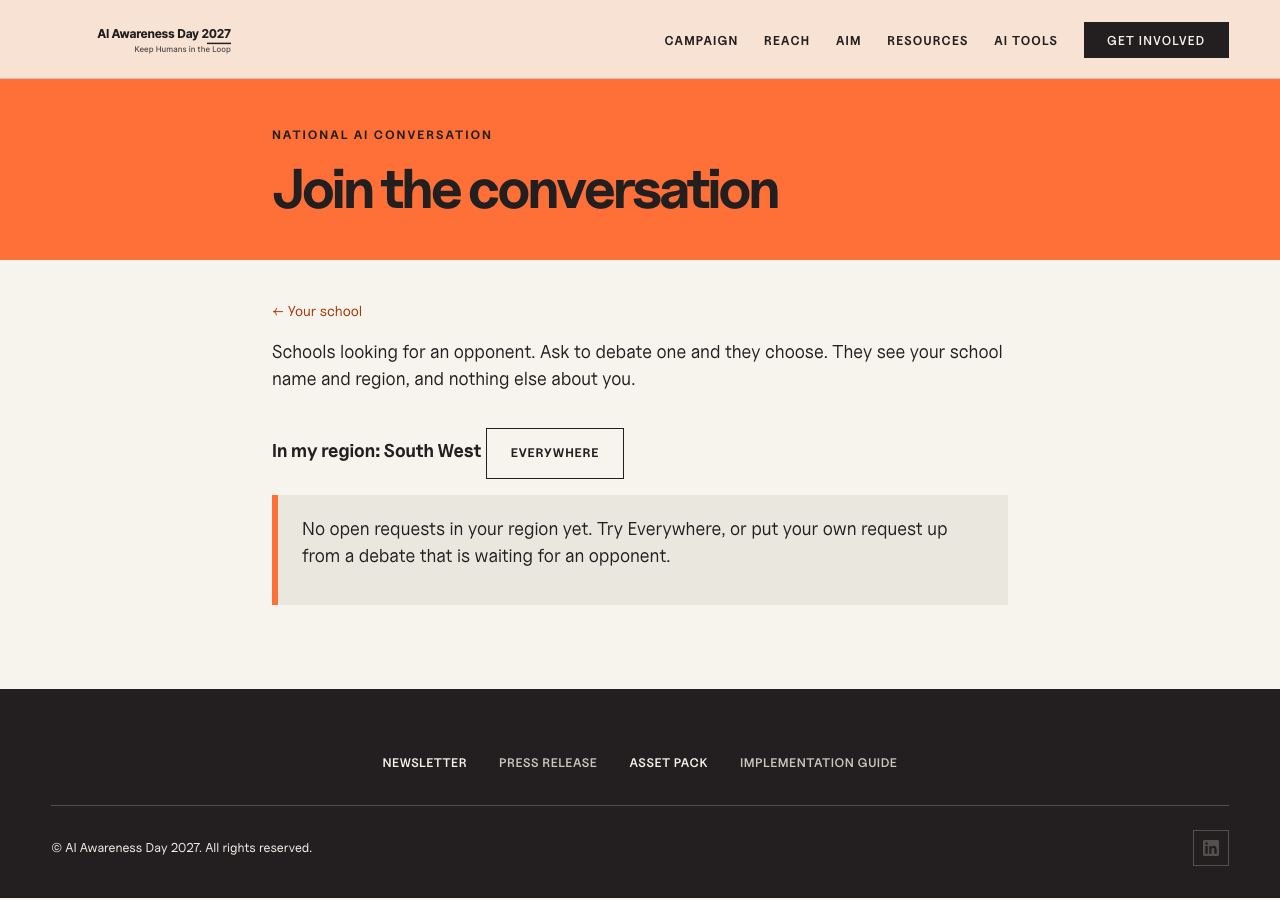
Join the conversation
Schools looking for an opponent, in their own region first. The host school chooses who to accept.
-
 View full screen
Screen 9
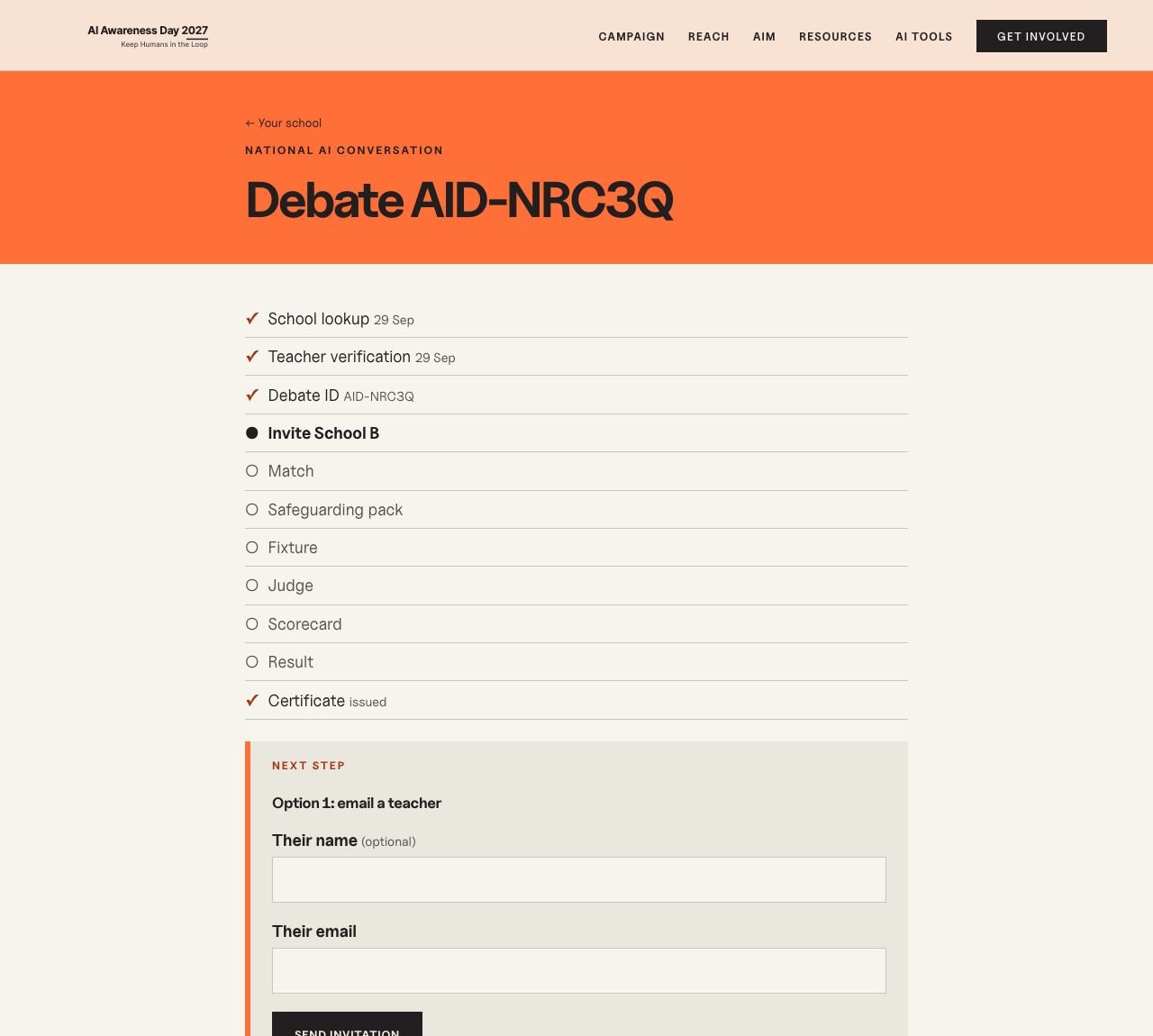
A debate waiting for an opponent
Every step on one tracker, so both teachers always know what is next. Invite by email, share a link, or put it on the board.
-
 View full screen
Screen 10
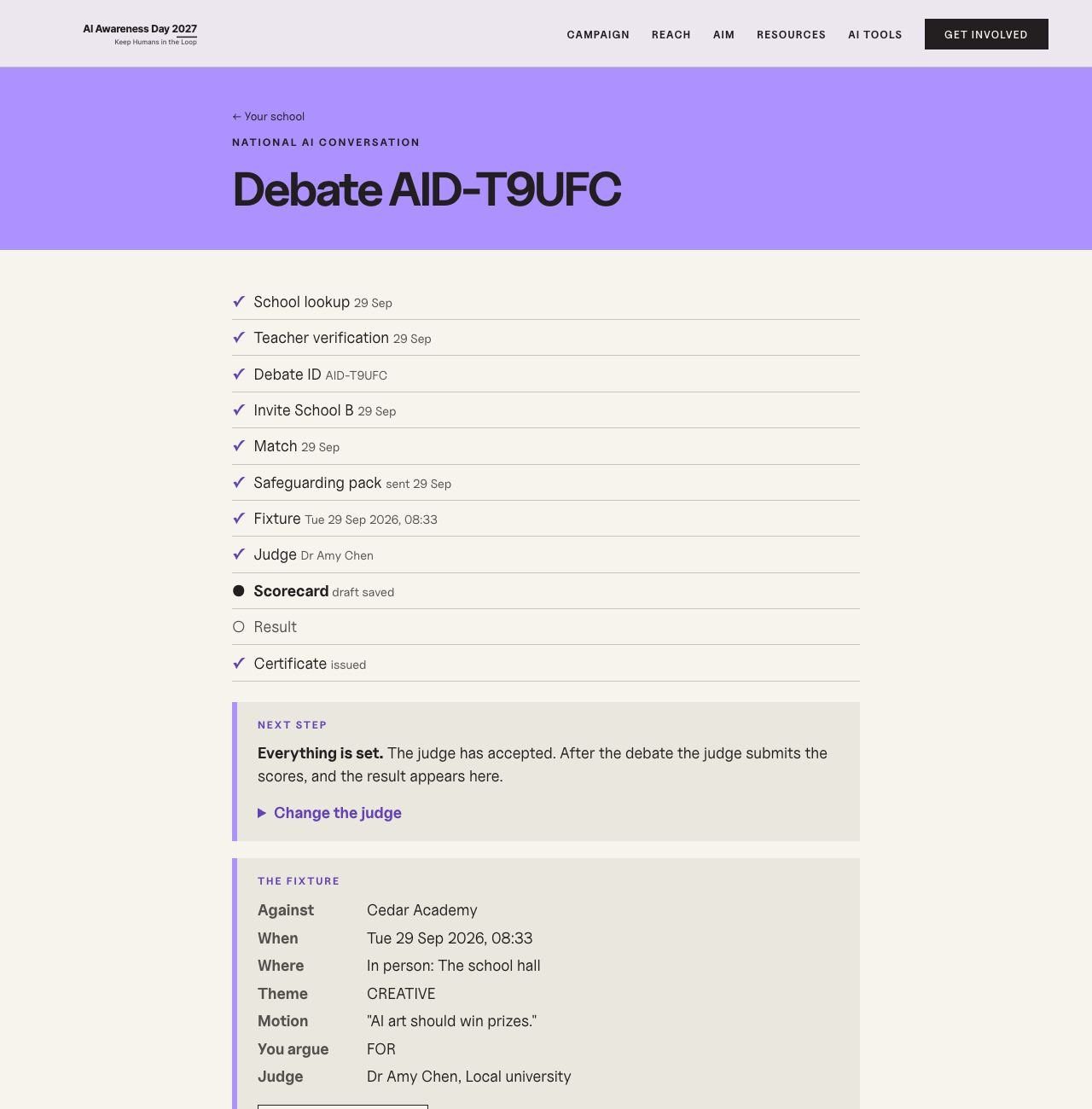
A debate that is ready
The fixture, the judge, the safeguarding pack, a calendar entry and directions.
-
 View full screen
Screen 11
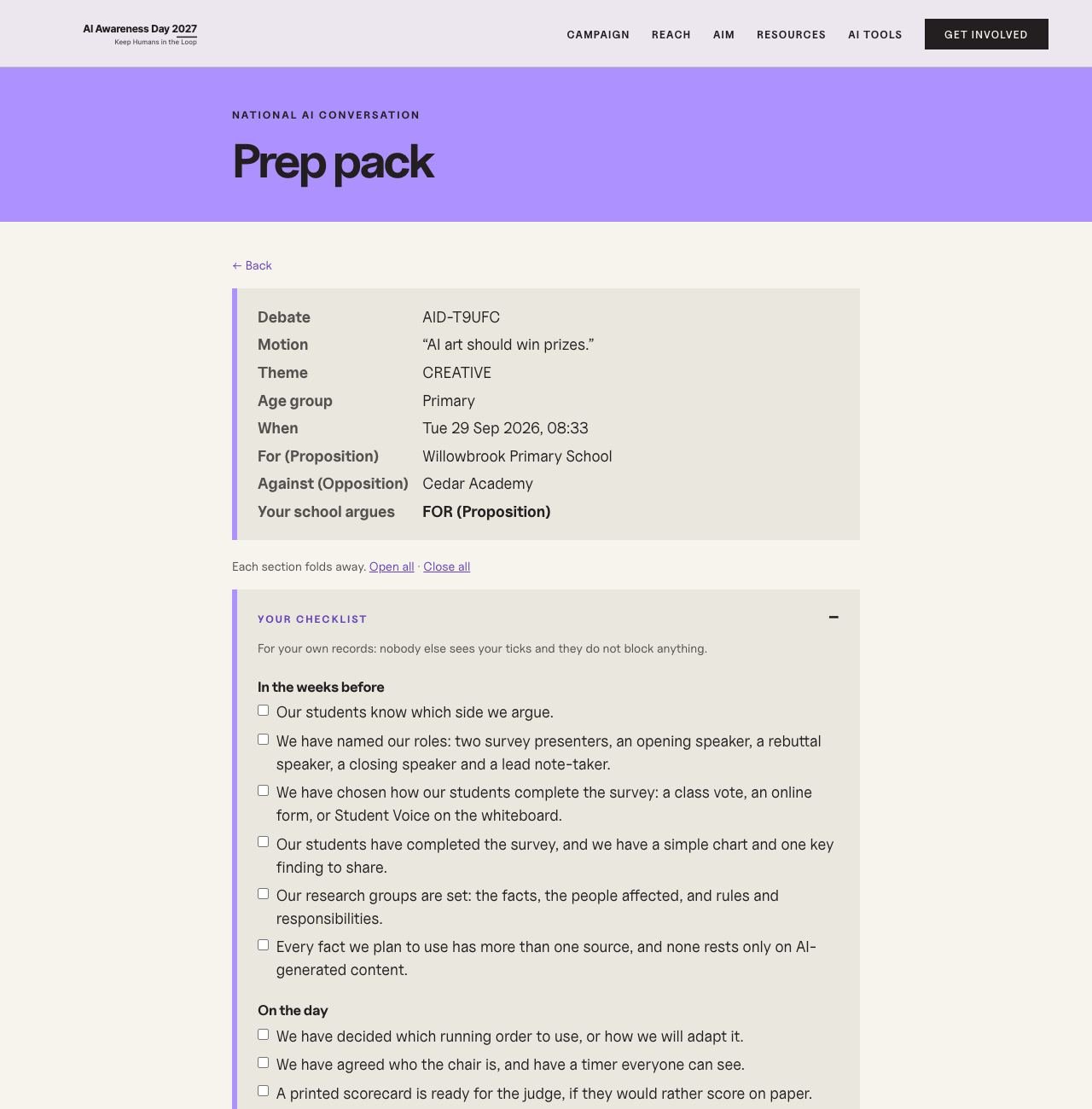
The prep pack
A 30-minute running order for the age group, a checklist, the survey to run beforehand, research and roles for the whole class.
-
 View full screen
Screen 12
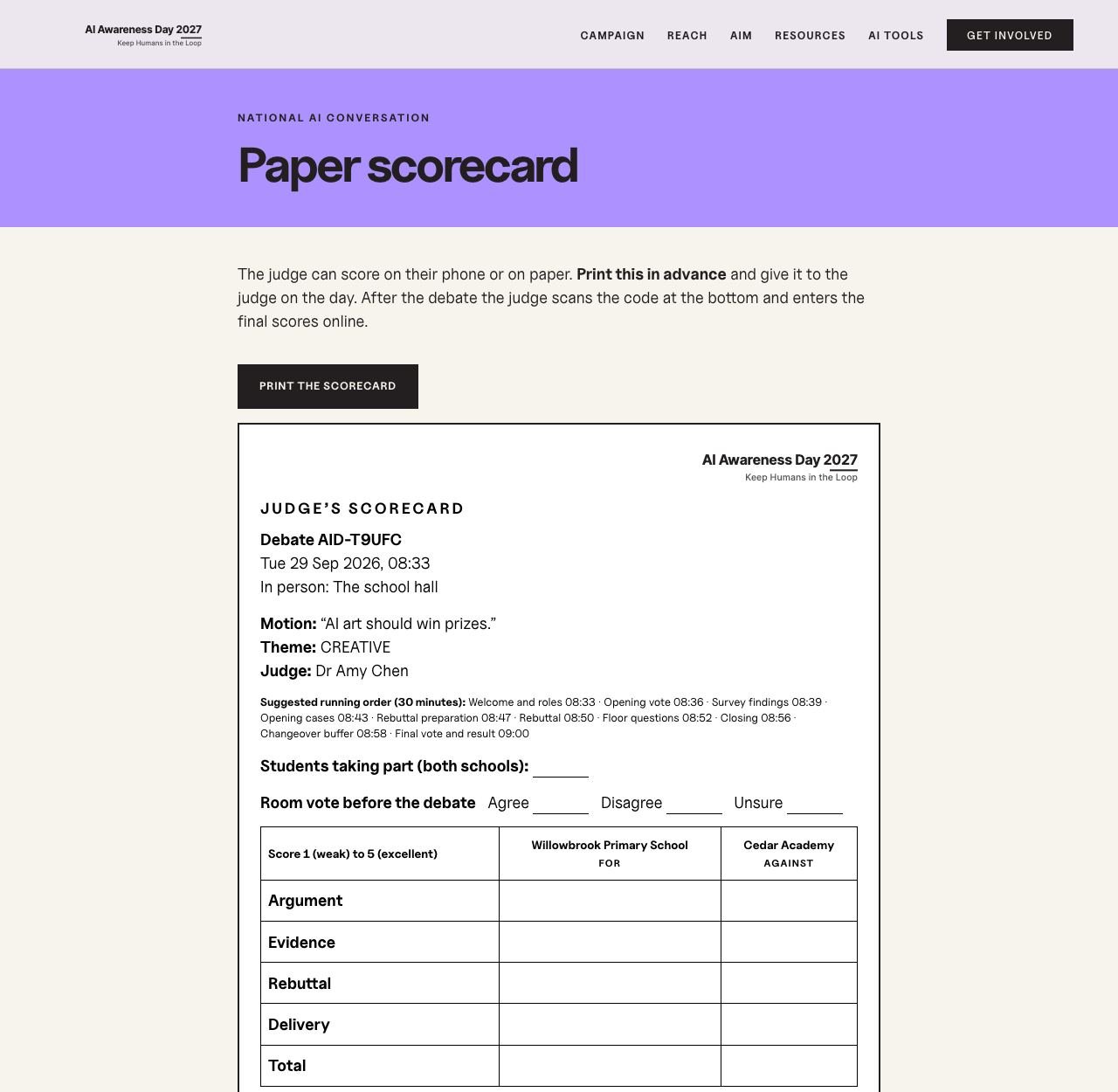
A paper scorecard
For a judge who prefers paper. The code on it leads to the official online entry.
-
 View full screen
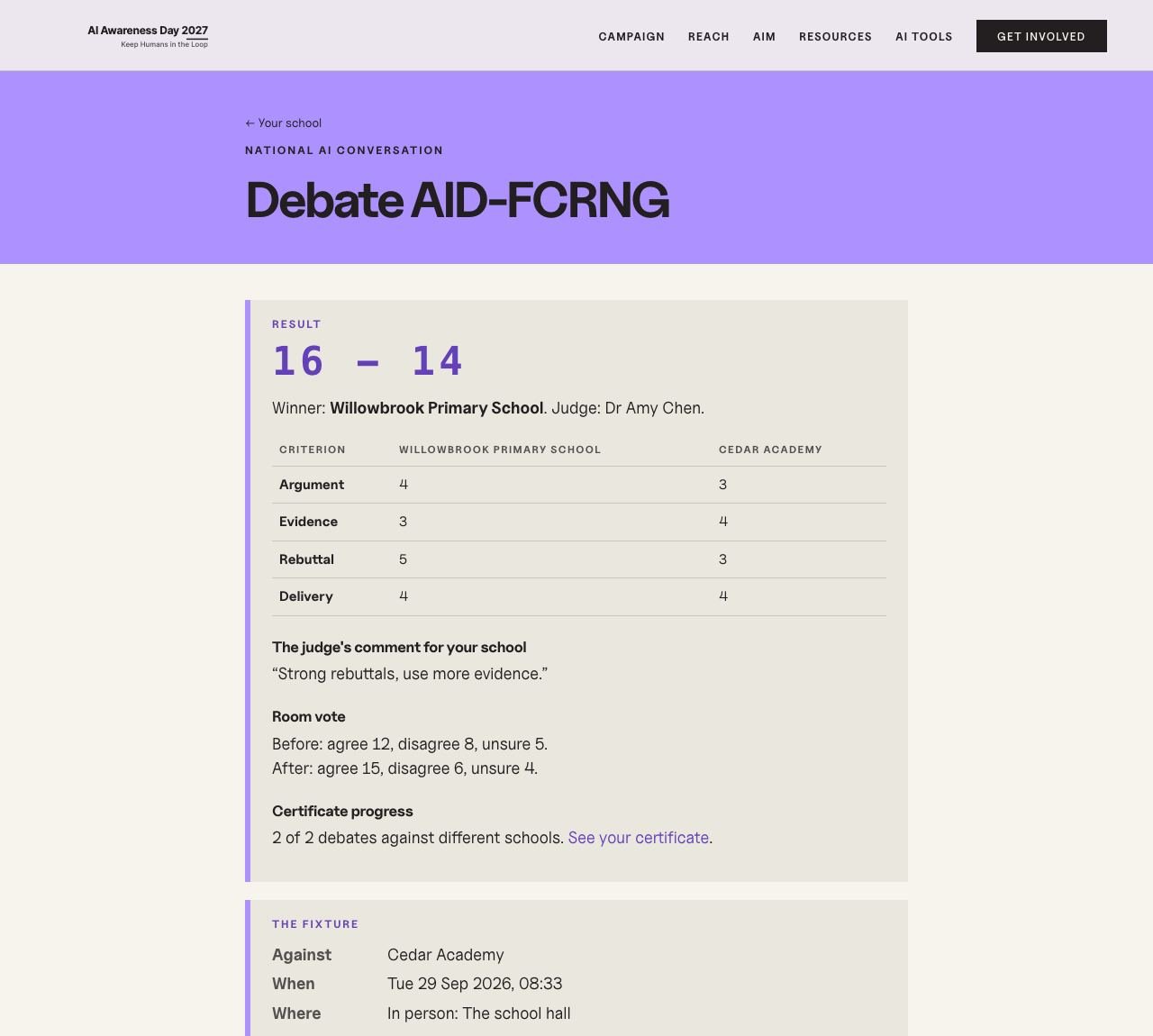
Screen 13
The result
Scores on four criteria, the judge’s comment for the school, and how the room vote moved.
-
 View full screen
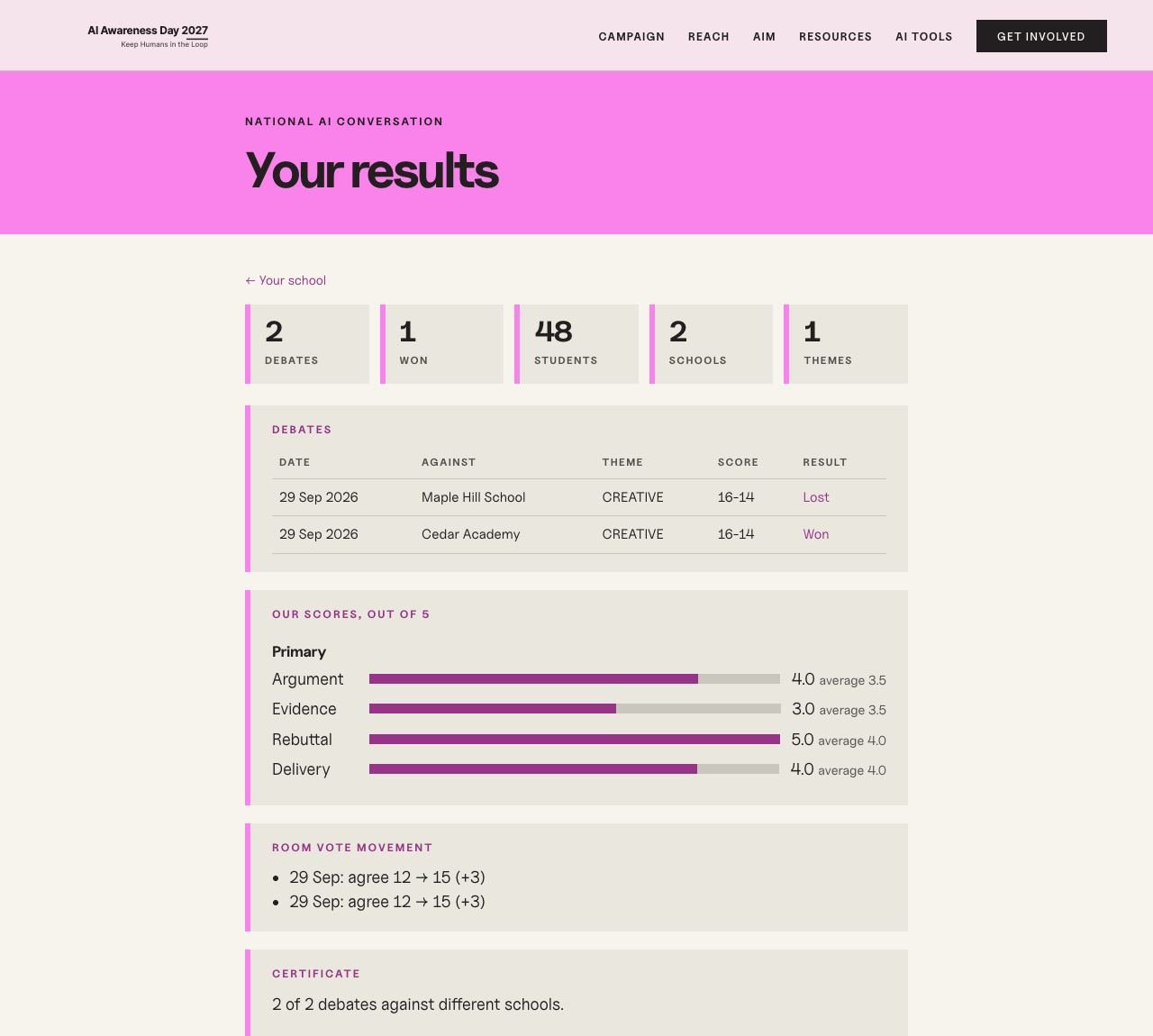
Screen 14
Results
Every debate, the school’s scores against the average for its age group, and progress to the certificate.
-
 View full screen
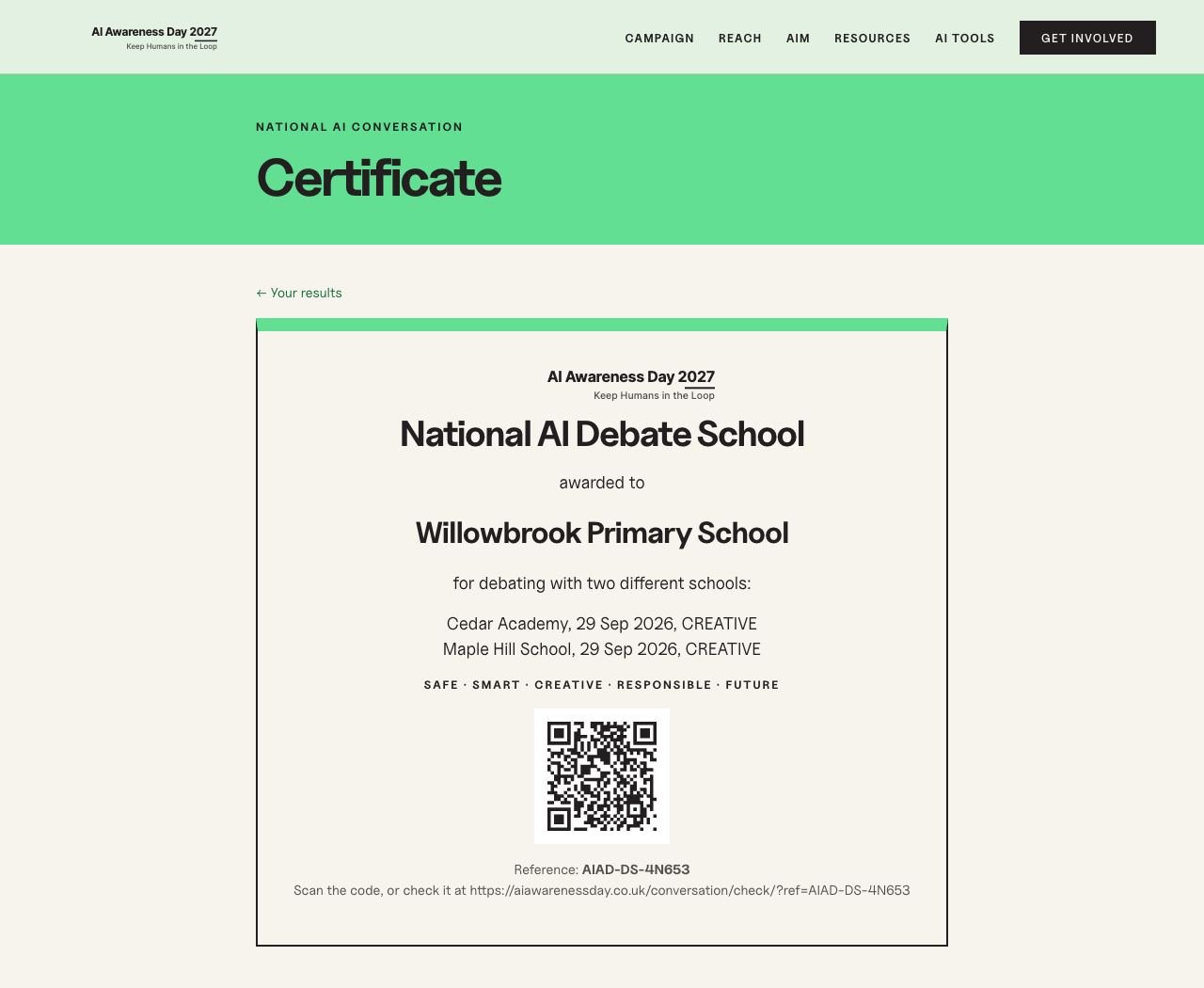
Screen 15
The certificate
Two debates against two different schools earns it. Printable, with a reference anyone can check.
-
 View full screen
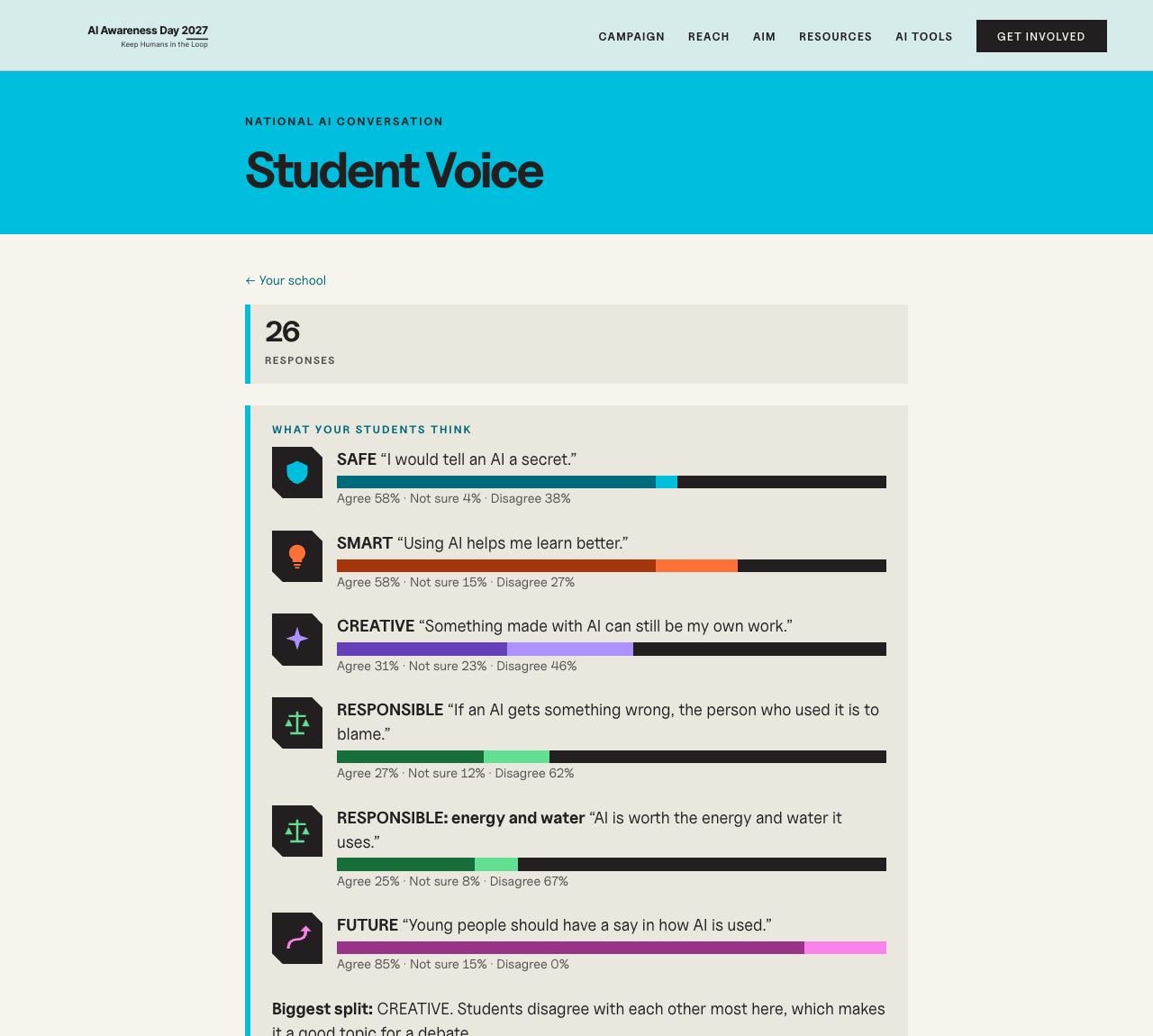
Screen 16
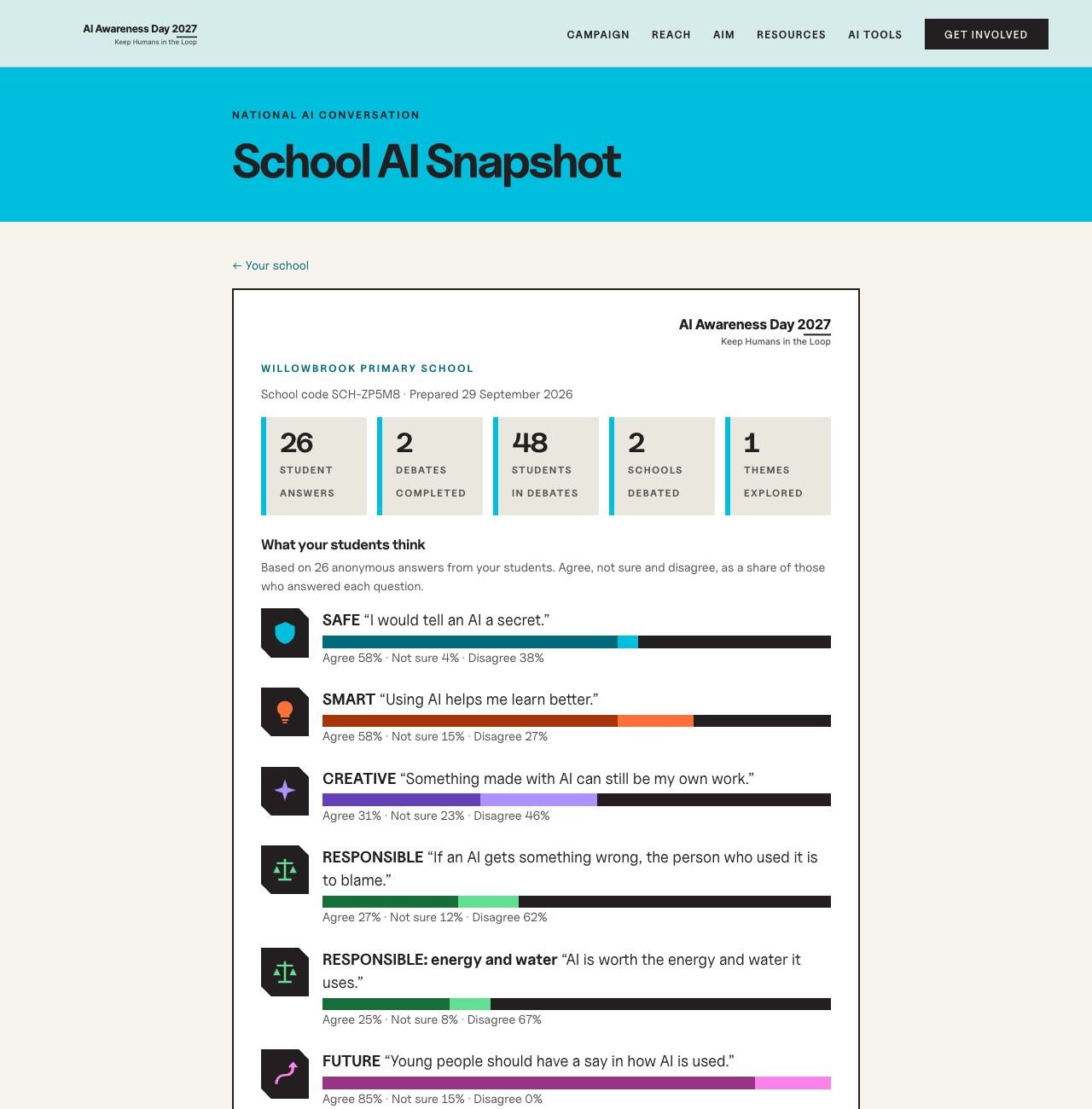
Student Voice
What the school’s own students think, anonymous and hidden until at least ten have answered.
-
 View full screen
Screen 17
The School AI Snapshot
One printable page to take to governors and staff.
Part 3
The judge
No account: the judge is invited by the host teacher and uses the link in the invitation.
-
 View full screen
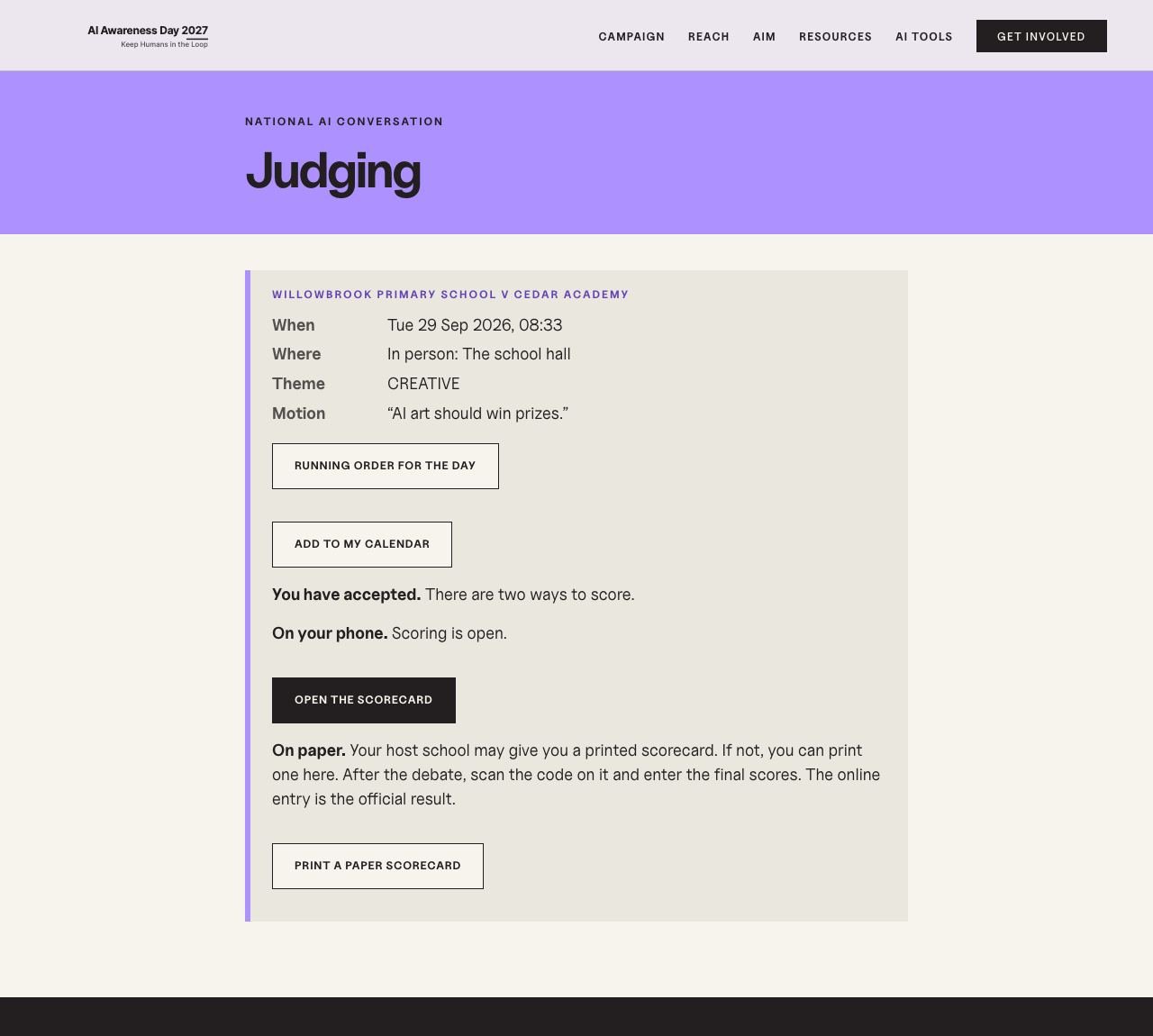
Screen 18
The judge’s page
The fixture, where to go, the running order and two ways to score.
-
 View full screen
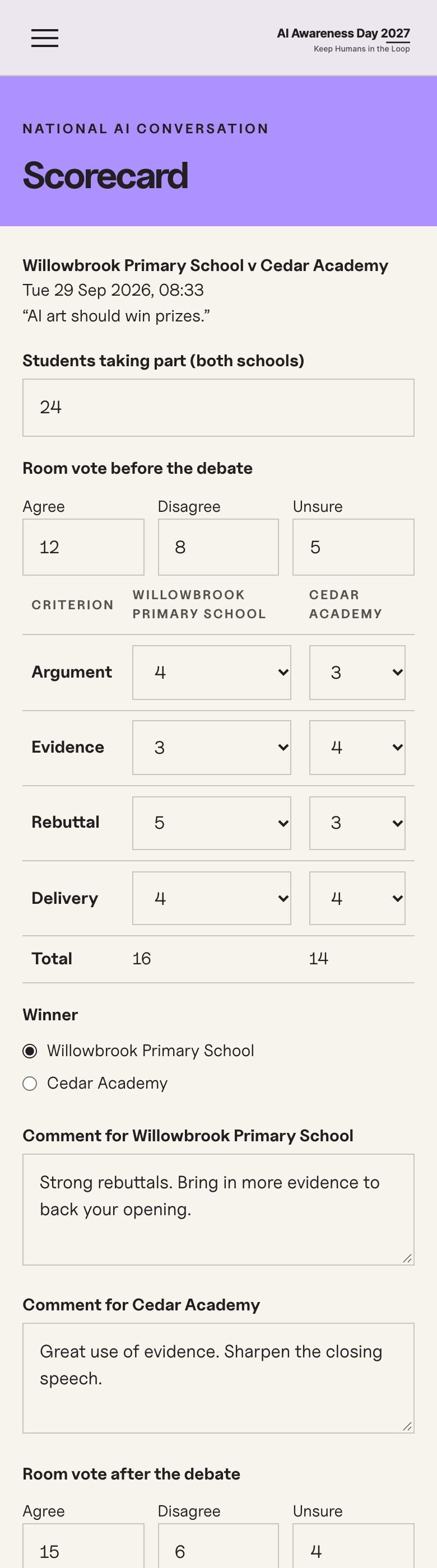
Screen 19
Scoring on a phone
Four criteria, a comment for each school, and the room vote before and after. It saves as the judge types.
Part 4
Everyone else
What the public, and the organisations that introduce schools, can see.
-
 View full screen
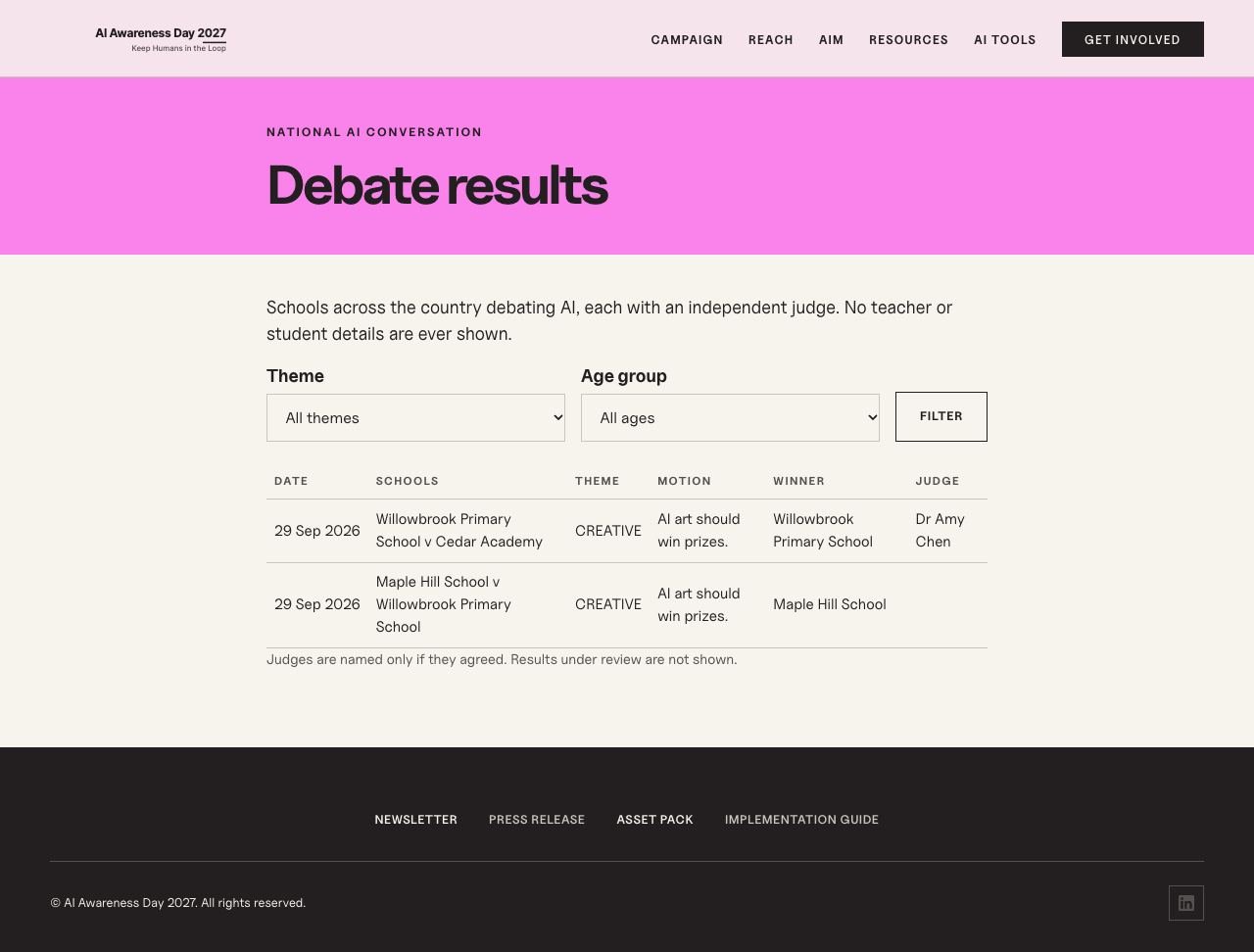
Screen 20
Public results
Both schools, the theme, the motion and the winner, and the judge’s name only if they agreed. Never anything about students.
-
 View full screen
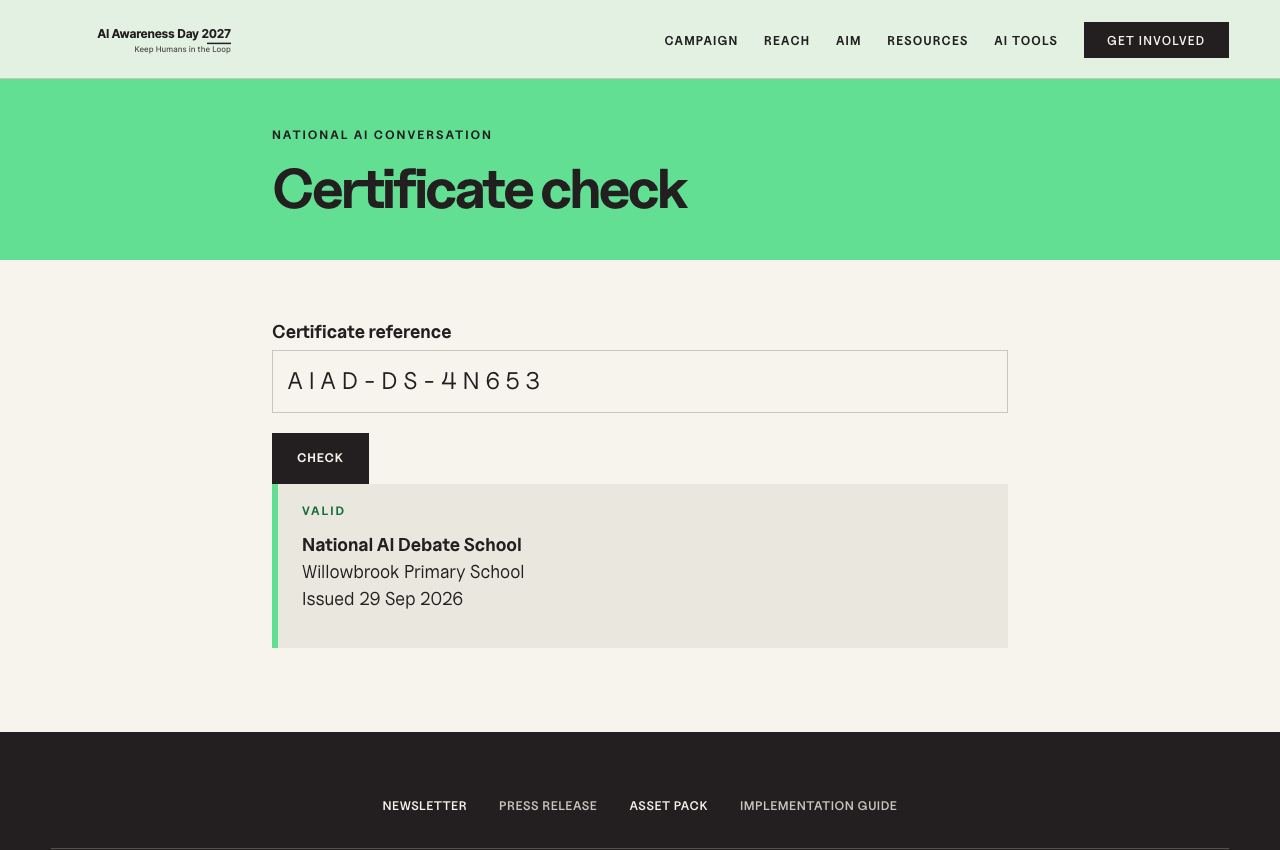
Screen 21
Check a certificate
Anyone can check a certificate is genuine from its reference.
-
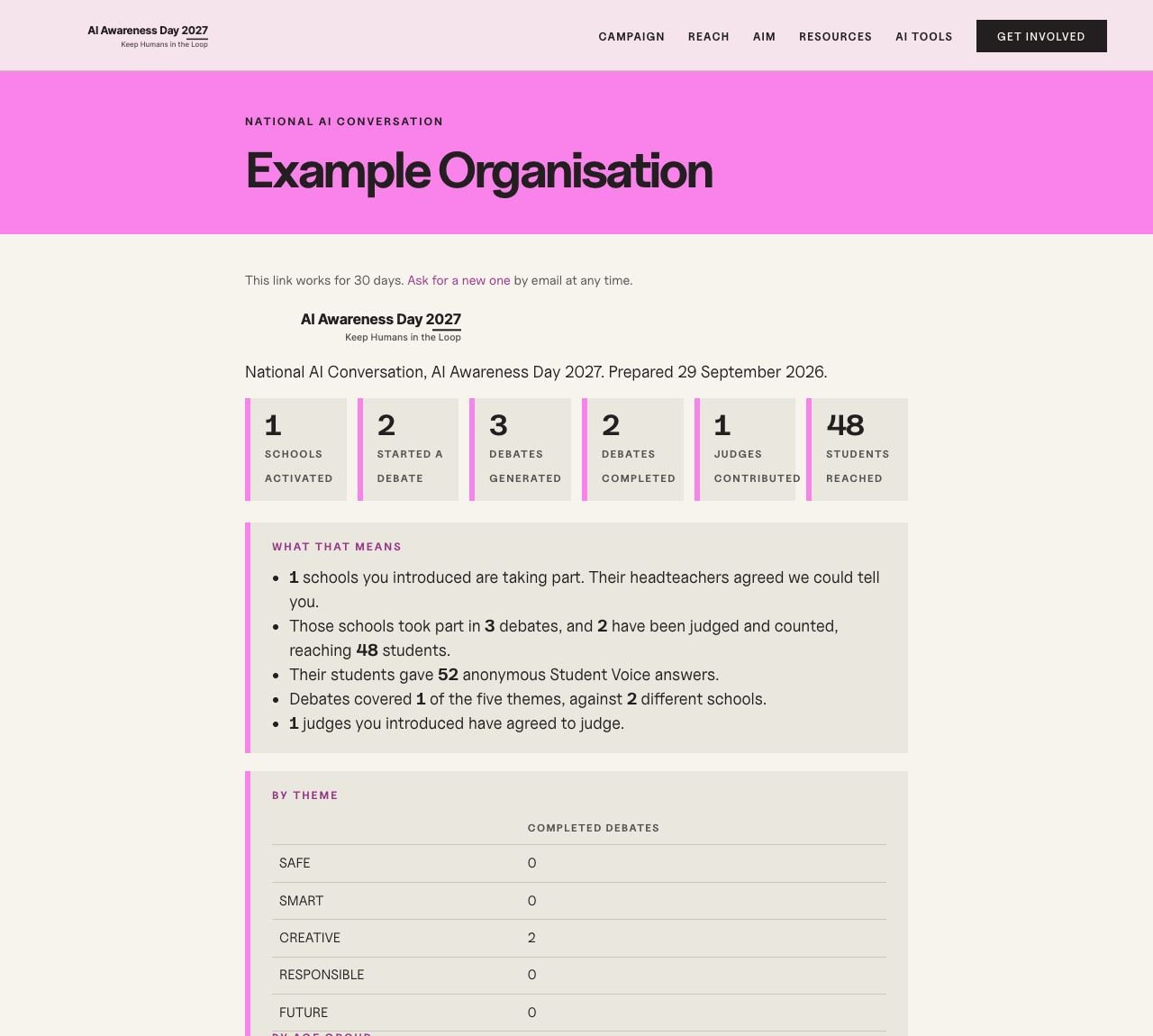 View full screen
Screen 22
An introducer’s dashboard
For an organisation that introduced a school: an emailed link, no account, totals only, and only if the school’s headteacher agreed.
Part 5
The programme team
How AI Awareness Day runs the conversation nationally.
-
 View full screen
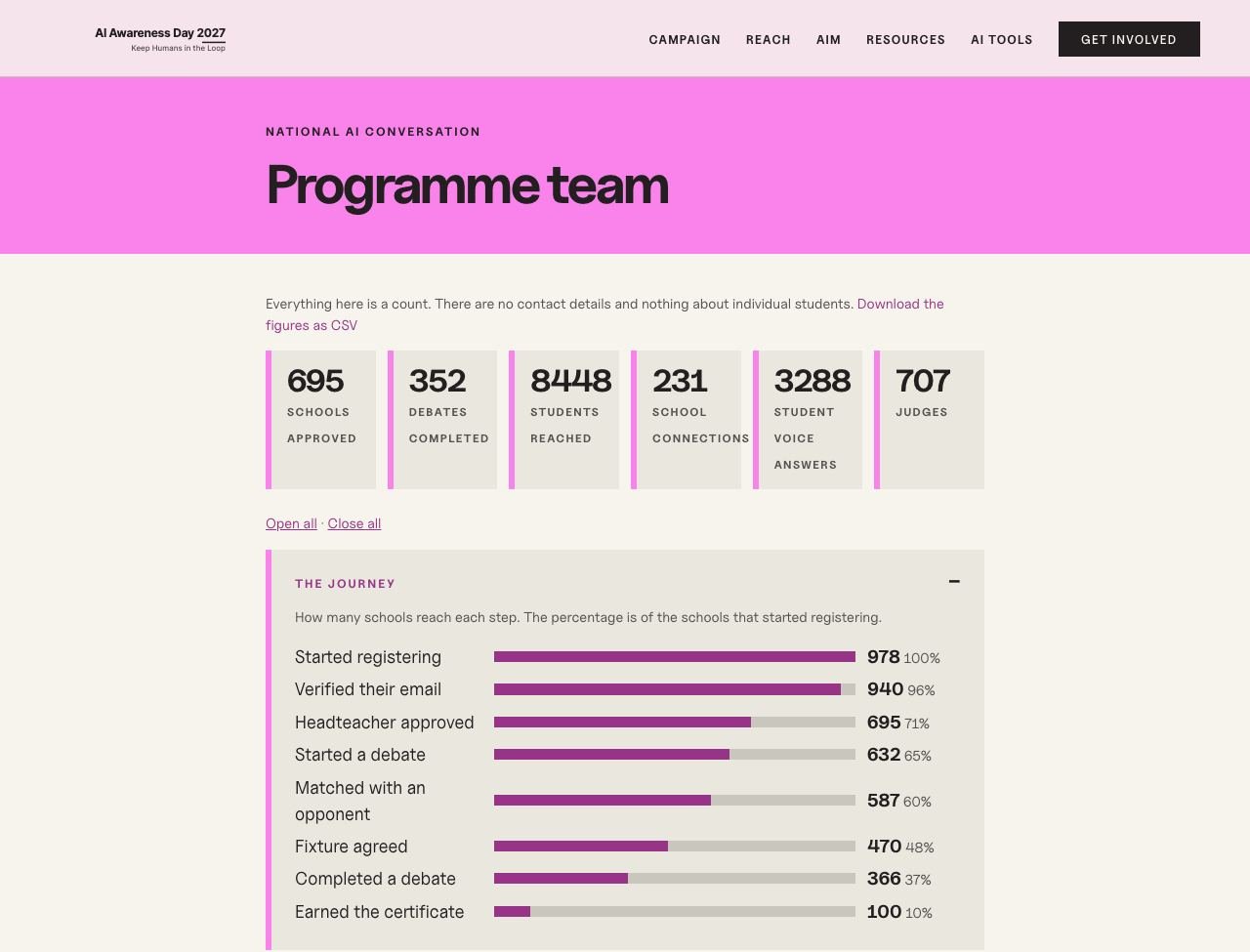
Screen 23
The programme dashboard
The journey from sign-up to certificate, stuck fixtures, regions, MATs, partners, judges and Student Voice. Every figure is a count; the ones shown are illustrative.
Schools can register from 1 January 2027
Find out more about the National AI Conversation, or get in touch.